Auto-apply default
File edits are written to disk and recorded in the edit history. Open the diff, keep the change, or undo it.
Write → Review → Keep / Undo
Code Dweller is a local-first AI workshop that grows with you. Start by just talking to it. End with a repo-aware coding agent that reads your code, runs your tools, and shows every move it makes.
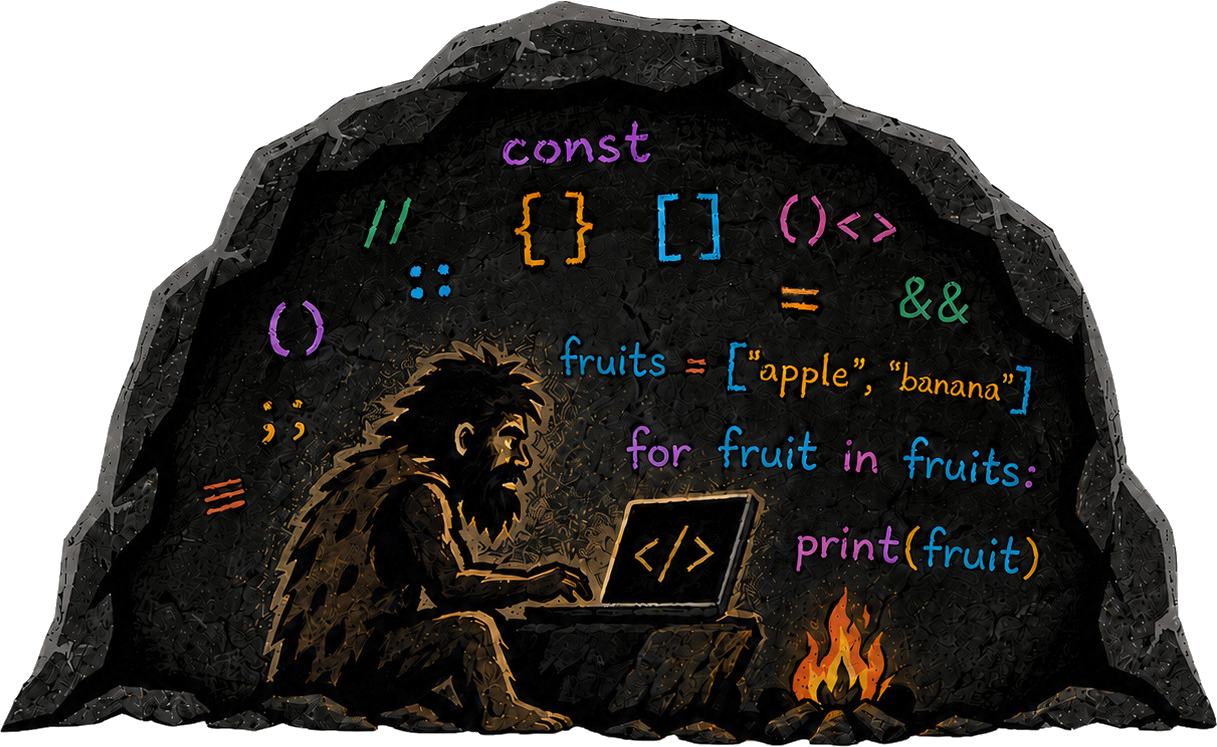
No mysterious spinner. No files vanishing into somebody else's cloud. You see every tool call as it happens, read every diff, and stop the work whenever you want.
Your files, logs, and history stay on your disk. What's on your disk keeps running. Cloud AI can be priced, filtered, or switched off by someone else; local AI answers to you. Every step leaves a mark on the wall.
say what you want in plain language
every tool call happens in view
keep or undo every diff, or stage edits first
Parallel sessions, the app it just built running in the built-in browser, a live diff to keep or undo, and a project tree with per-folder change counts. Frontier model on one pane, local model on the next. You don't have to trust the magic. You can inspect it.
Switch levels per message. The experienced never wait for hand-holding; the inexperienced never drown in machinery. The deeper you go, the more the cave opens up.
Just talk. Ask for anything and get a straight answer, with simple tools when the job needs them. Zero setup, zero terminal vocabulary. For people who have never opened a terminal and never plan to.
Hand it a longer job. Subagents work in their own panes, tool runs go as long as the job needs, and you can open any of them, stop it, or take over instead of trusting a spinner.
The whole cave: repository, files, terminal, and diffs you keep or undo. The deep end, still the same app you started grunting at.
Every level keeps everything that came before it. Nothing is ever taken away.
You decide whether edits land first or wait for your yes, who does which work, and what comes back around on its own.
File edits are written to disk and recorded in the edit history. Open the diff, keep the change, or undo it.
Write → Review → Keep / Undo
Proposed file edits wait under Pending. Inspect the diff and accept or reject it before it is applied.
Propose → Review → Accept / Reject
Use one model for the main chat, reserve another for subagents, or use the same for both. Local GGUFs run on your machine; hosted requests go to the provider you connected.
Main chat · Subagents · Both
Schedule a recurring prompt in the current session, like /loop 30m check the build.
The shell your AI agents already think they're using. Flint understands what tools and shell commands actually do, classifies their effects and risks, and gives the permission system the context to allow, prompt, or block them safely.
Shape an agent's voice and teach it reusable workflows you can swap, remix, and share.
Isolation decides where work happens: keep Main or each file-changing subagent in a private workspace until you accept its changes. Containment decides which account runs external programs: a dedicated restricted Windows account, or your own.
Sketch on a shared canvas the agent can see. Your diagram becomes part of the spec.
Connect tools and real messaging bridges so agents can work where you already live.
Run local GGUFs across your GPUs or connect frontier models. Your rig, your rules.
Free. No account, no cloud required. Cavemen don't have pockets.
Download for WindowsDetected platform: Windows
Early builds. Expect fire. Sometimes literally.